
Top Important WordPress Server Requirements

In order to use WordPress, a standard server must have at least 1GB of RAM, a CPU at 1.0 GHz processing power, and run under a web server that supports the execution of PHP – ideally version 7.4 or later. Larger, higher-traffic sites will require more RAM and processing power to run adequately with WordPress. […]
How to install WordPress
Step 1: Download WordPress Open the WordPress.org website. Click the “Download WordPress” button. Step 2: Set Up a Web Server You will require a web server to host your WordPress website. Many hosting providers do offer a one-click WordPress installation. Otherwise: Install a web server such as XAMPP, WAMP, or MAMP to test […]
How to Set Up Your WordPress Settings
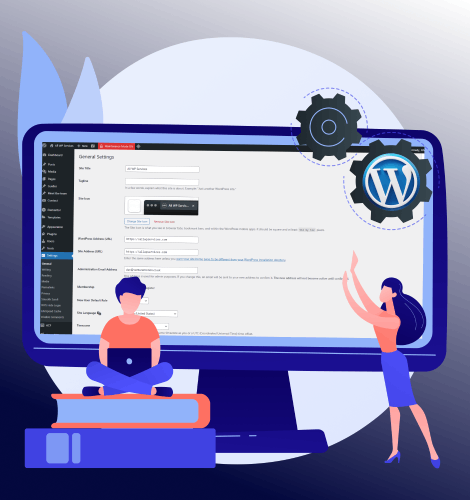
WordPress has various setting pages where you can configure and manage different aspects of your site. Let’s go over each and what it does: 1. General Settings Page The General Settings page helps you set up basic information about your website. Key Settings: Site Title: The name of your site, often displayed in the […]
How to Clone Multiple Git Private Repositories in a Server Using Cpanel

This tutorial will show how you can set up an SSH key on your cPanel server to clone your private GitHub repositories securely. You are going to create an SSH key unique for your server, add it in your GitHub account, and edit some SSH settings so you test the connection and easily clone all […]